1
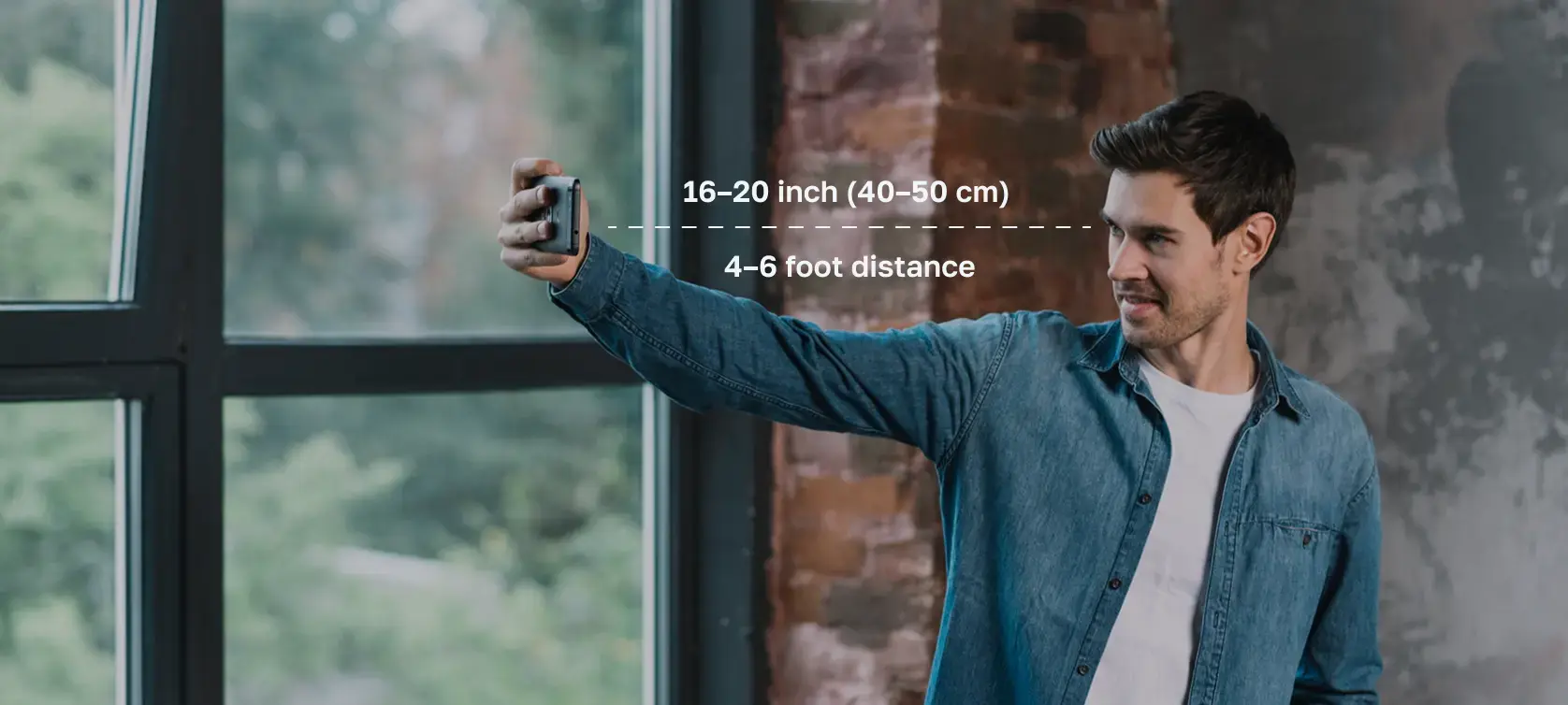
Camera distance
Hold the camera steady and keep enough room around the head and shoulders so the final crop stays sharp.
U.S. passport, visa, green card, and DV photos
Snap, upload, and preview a passport-size photo prepared around official U.S. document-photo requirements.
Upload your selfie -> get a compliant passport-size preview
Upload and review the photo check before choosing a download.
Start from a normal photo and get a clean square output.
Not affiliated with USCIS, the Department of State, or any government agency.
Government photo compliance guidance
As featured and referenced across travel and technology publications





Get photo for: U.S. documents
No country picker, no app download, and no studio detour. Select passport, visa, green card, or DV Lottery and start with a free preview.
Upload your photo, then review the result.
Step 1/4
Choose document type
Upload your photo:
Accepted formats: .jpg, .png, .heic, .gif
Maximum file size: 10 MB
Processing mode
Default: white background
Drag and drop photo
By clicking Start Processing, you agree to the Terms and Conditions and Privacy Policy.
Instructions:
How to take a good photo?

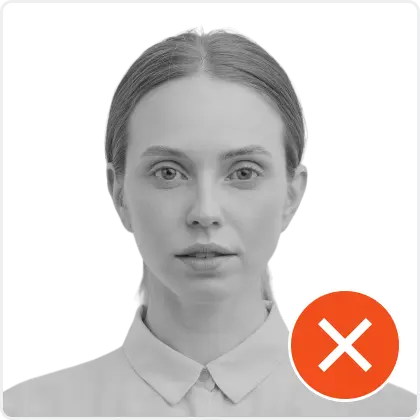
Photo Gov app. Your personal data is processed in accordance with security and privacy standards.
Ready to start
Upload a photo for free preview
From selfie to ID photo
Broad global photo tools start with country and document selection. Photo Gov app skips the country step because every flow here is for U.S. document photos.
Choose U.S. document type
Upload or use camera
Review the preview report
Download clean files
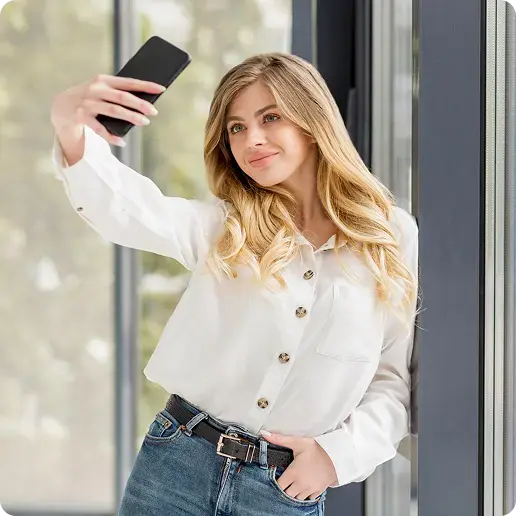
1. Photo Upload
Take a selfie or choose a recent portrait from your phone.

Processing...
2. Processing
The preview is framed against U.S. document-photo proportions.
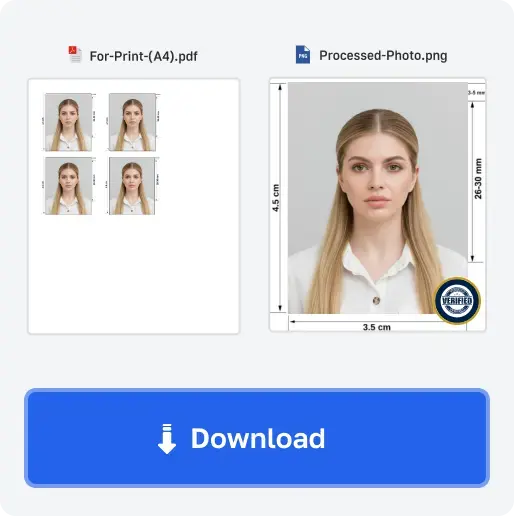
3. Download
Get a digital photo or print-ready sheet after review.
Popular documents
2 x 2 inch photo with printable sheet options.
Official requirements
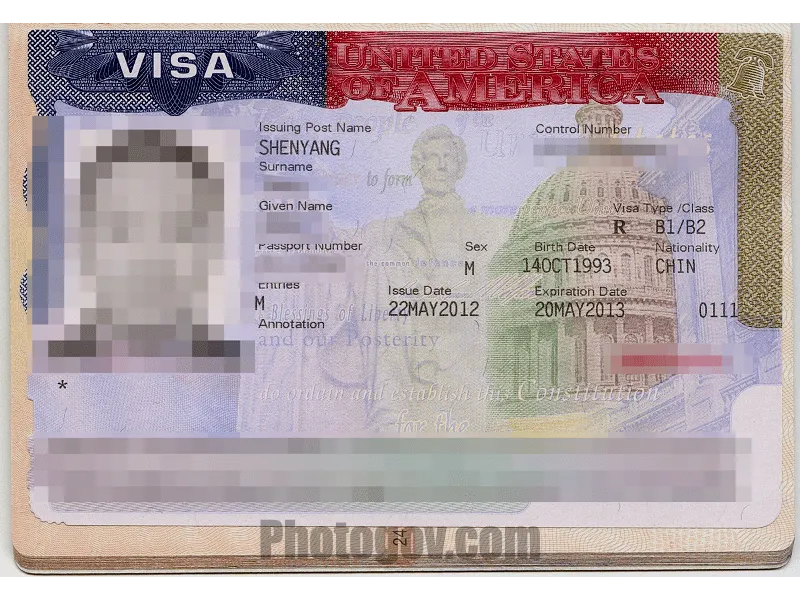
Square digital photo for online visa forms.
Official requirements
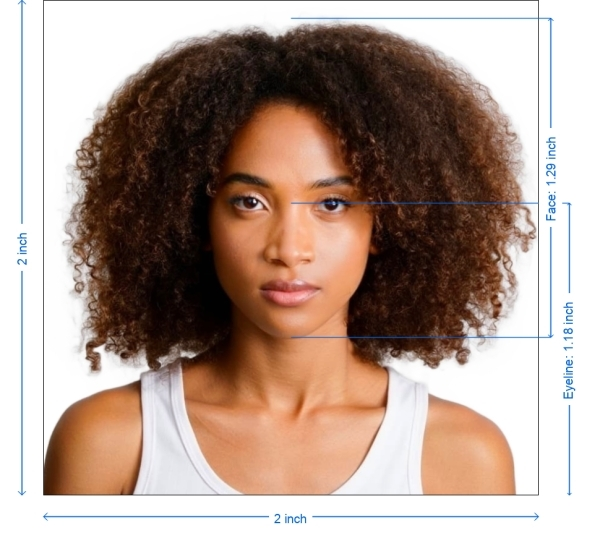
Passport-style photo guidance for USCIS filings.
Official requirements
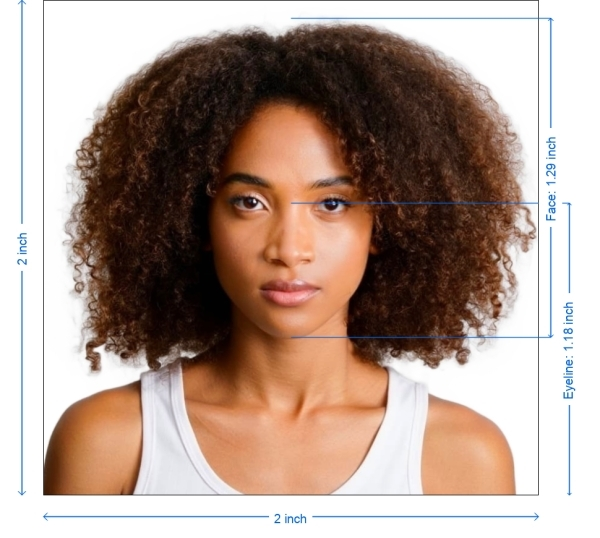
600 x 600 digital photo with file-size guidance.
Official requirements
100% compliance focus
These summaries are based on public U.S. government guidance. The final decision is always made by the agency, embassy, or consulate reviewing your application.
This tool helps prepare photos. It does not file forms, give legal advice, or act as a government website.
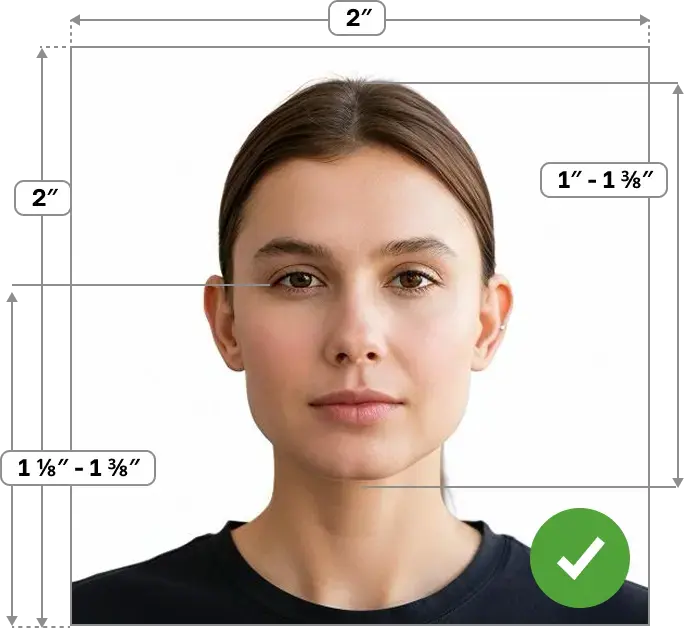
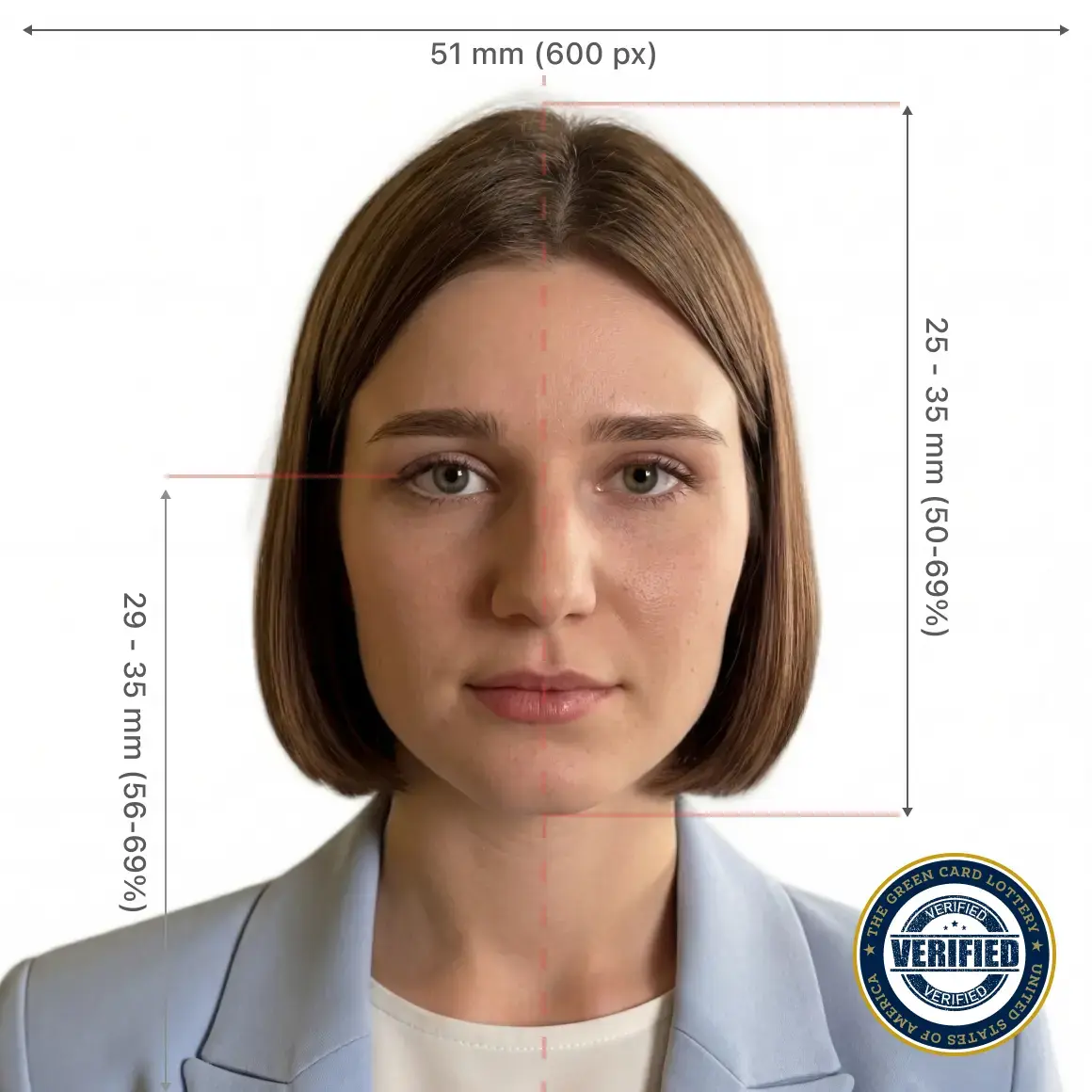
Passport-style printed photos are 2 x 2 inches. Head height should be 1 to 1 3/8 inches from chin to top of head.
Use a recent color photo, face the camera, keep both eyes open, and use a plain white or off-white background.
Visa and DV photos use square digital files. DV entries require a 600 x 600 JPEG that is 240 KB or less.
Do not use filters, retouching, or AI changes that alter how you look.
Before you upload
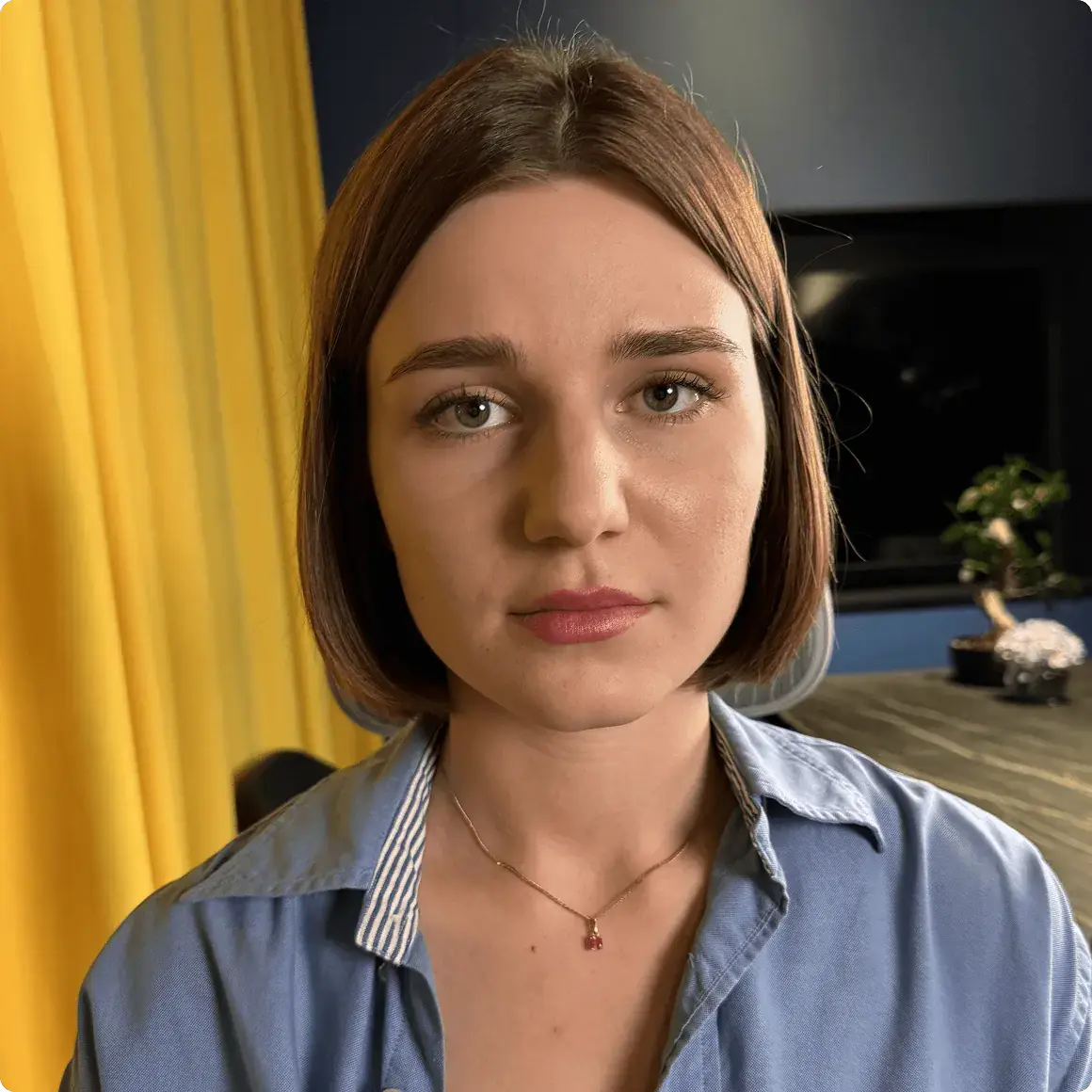
Start with a clear, recent photo; the checker can only work with the source image you upload.
Hold the camera steady and keep enough room around the head and shoulders so the final crop stays sharp.
Use soft front-facing light. Avoid face shadows, background shadows, side light, and flash glare.


Face the camera directly with eyes open. Keep the full head visible before upload so the checker can crop cleanly.
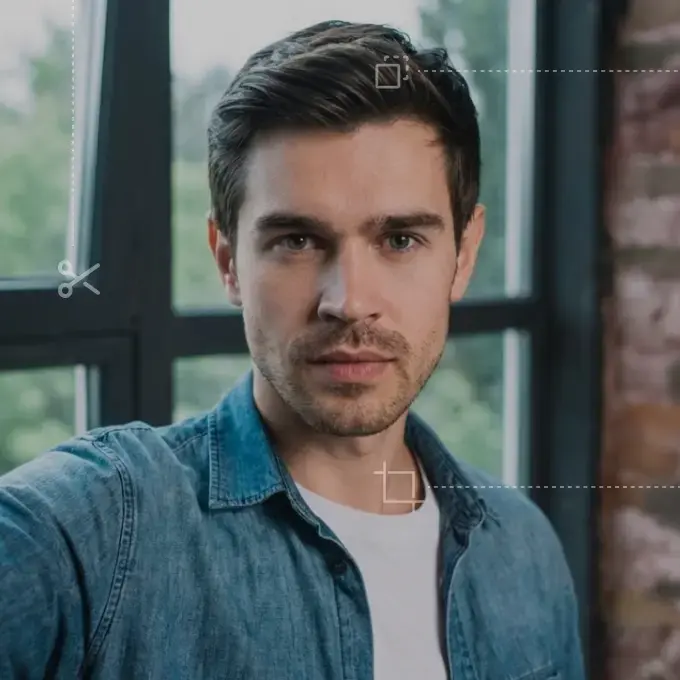
Use a plain white or off-white wall without objects, texture, or strong shadows.
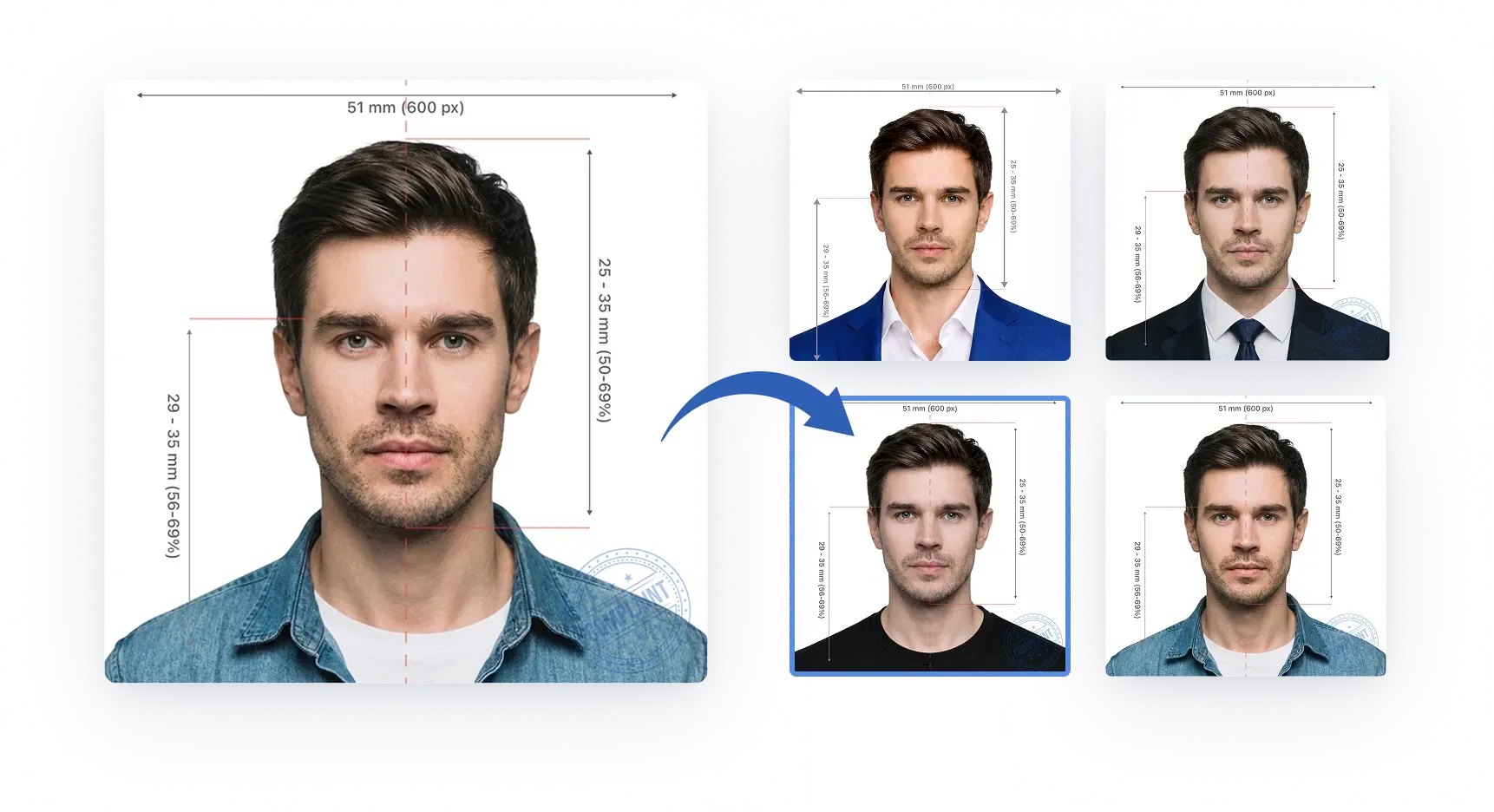
Stand 4 to 6 feet from a plain white or off-white wall.
Use even light and avoid shadows on the face or background.
Face the camera directly with a neutral expression or natural smile.
Remove glasses, headphones, hats, and face coverings unless allowed.
Why you can trust Photo Gov app
Requirement summaries stay tied to public U.S. government photo rules.
No country picker. Every visible preset is for a U.S. document-photo workflow.
See the locked preview and report before paying for clean files.
Use the camera or upload a file directly from the browser.
Paid file unlocks are handled through the protected checkout flow.
Photo Gov app is not a government agency and keeps that distinction visible.
Guides from Photo Gov app
May 11, 2026 · 14 min read
A detailed 2026 guide to U.S. passport size photographs, legal photo rules, 2x2 prints, online renewal uploads, editing limits, and rejection prevention.
May 11, 2026 · 16 min read
A complete 2026 guide to U.S. visa, DS-160, green card, USCIS, EAD, and DV Lottery photo requirements, with sizes, files, prints, and rejection fixes.
May 11, 2026 · 15 min read
Compare UK, Canada, and Australia passport photo requirements for printed and digital photos, including size, background, head position, glasses, and rejection risks.
Ready to check your photo?