Size
600-1200 px
Visa photo tool
Prepare a DS-160 style 600x600 JPEG under the common upload-size target.
Excellent
4.9/5 from 193 customer reviews
1,284,700+
Photos processed
ICAO 9303 compliant photos
Our photos meet ICAO 9303 (international) requirements for biometric passports and other IDs.
As used for
U.S. applications covered
Create ID or visa photos with our online service. All you need is a smartphone or a laptop — PhotoGov takes care of the rest. Follow these simple steps:
PhotoGov is an independent service. We are not affiliated with any government, embassy, or consulate. All information on this website is based on official government requirements and verified primary sources. Final acceptance is determined solely by the issuing authority.
Document photo specs
Size
600-1200 px
Online submission
Yes
Head size
50-69%
Background
White/off-white
Resolution
600px+
Printable
Digital file
Photo Gov app makes photos for U.S. passports, visas, green cards, and DV Lottery applications. The uploaded portrait does not have to be perfect - our checker prepares it for official requirements and a ready-to-download ID picture.
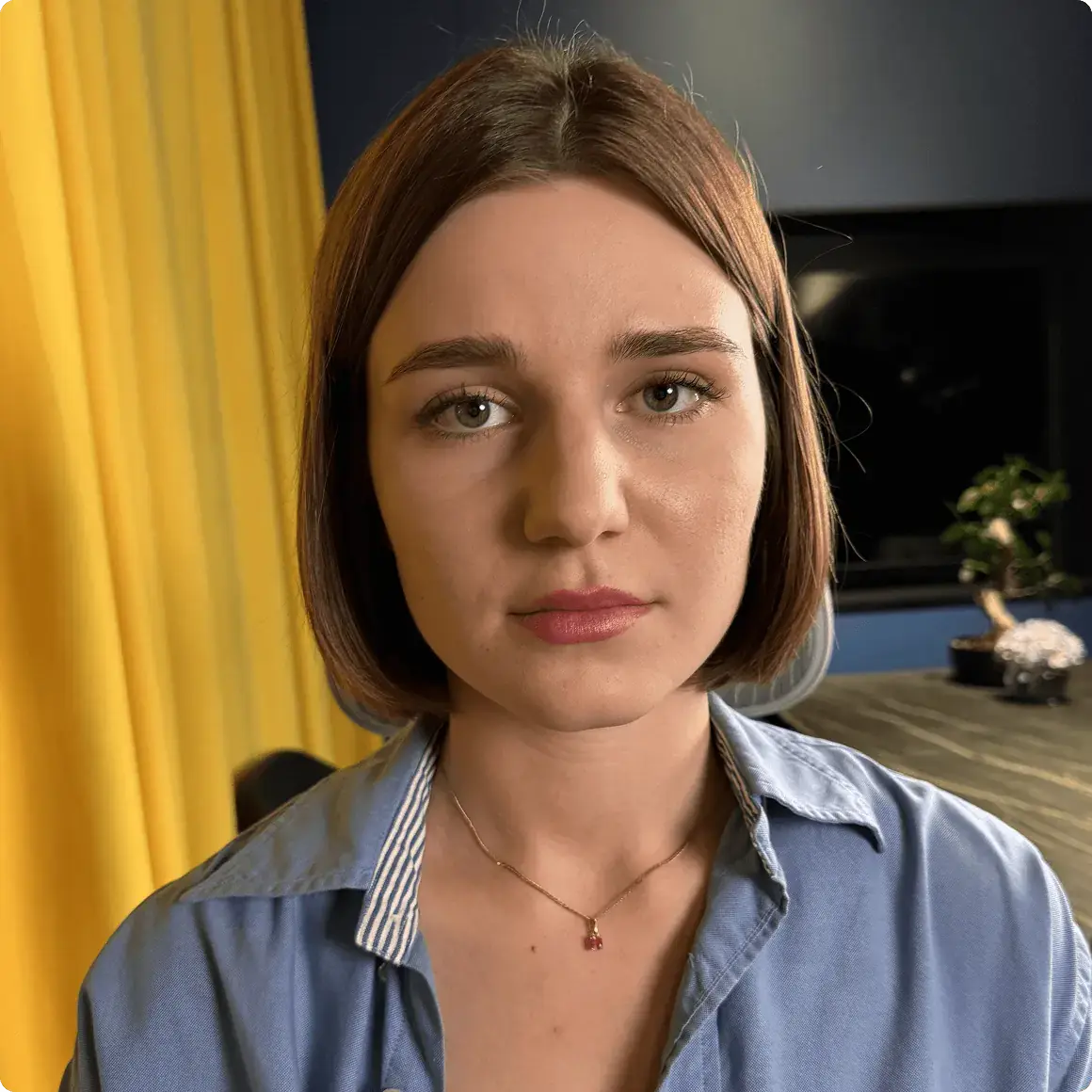
Take a selfie and upload it to our online tool.
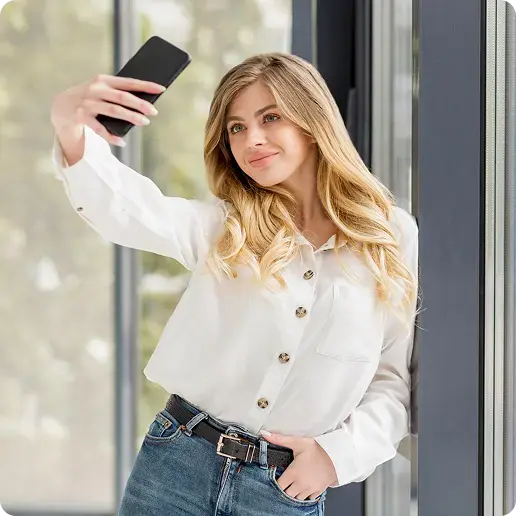
In 30 seconds, your portrait is transformed into an ID photo.

Processing...
Select options or add expert verification.
Get high-quality photos in digital or printable format.
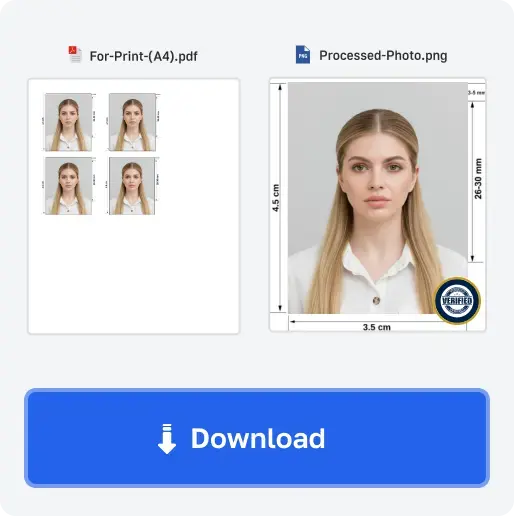
For users in the United States: U.S. passport photos must remain natural. Our platform provides sizing, cropping, background and review tools for your chosen document.
Outputs
Checkout
Independent preparation tool. Final acceptance is decided by the U.S. agency, embassy, or consulate reviewing the application.
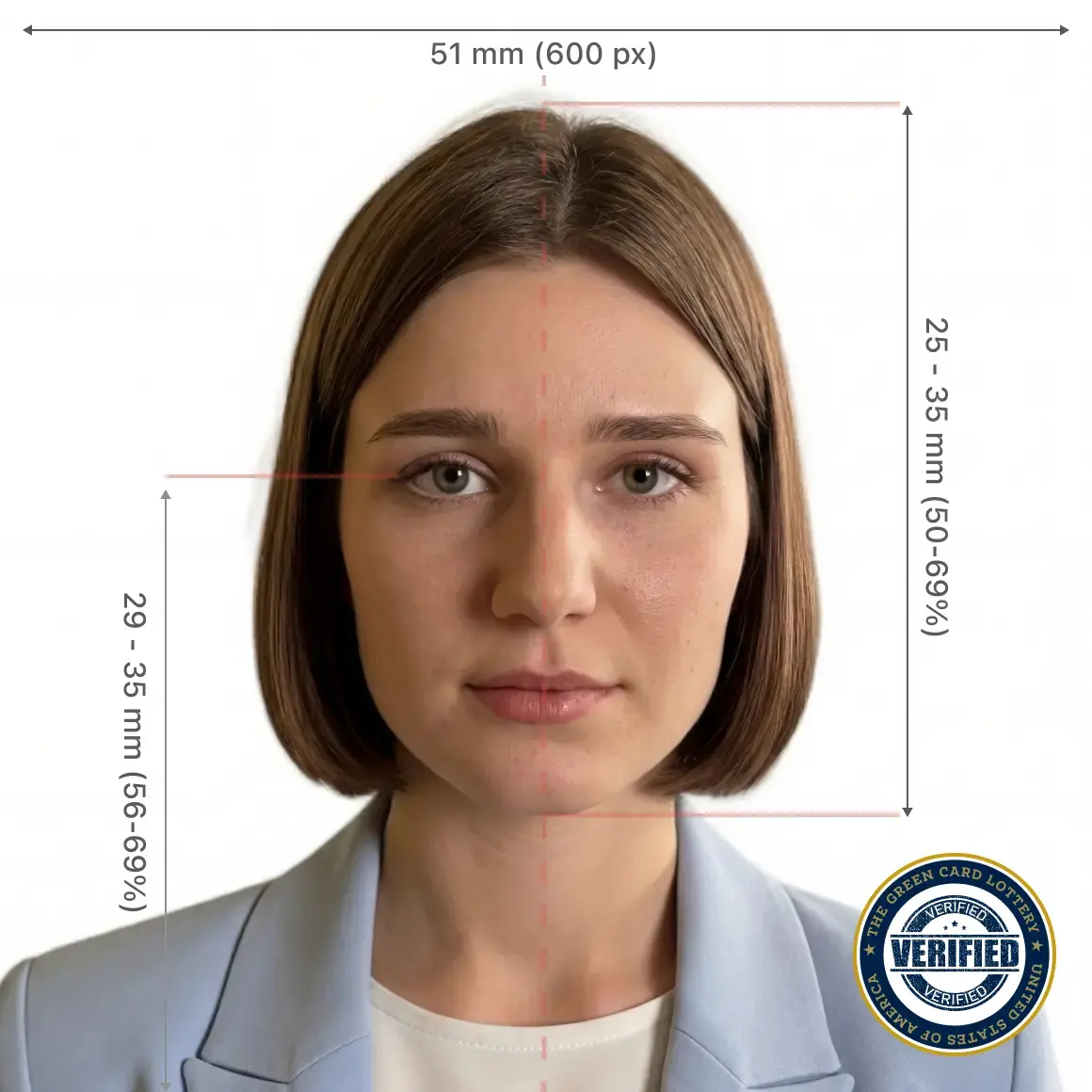
A US visa photo is 2 × 2 inches (51 × 51 mm), submitted as a 600 × 600 pixel color JPEG for the DS-160 online form. It must have a plain white or off-white background, a neutral expression with both eyes open, and the head sized 1 to 1 3/8 inches (25–35 mm) from chin to crown — roughly 50–69% of the photo height. The same 2×2 format is used for the printed photo you bring to the visa interview.
The DS-160 form needs a recent (within 6 months) color photo, 2 × 2 inches at 600 × 600 pixels, saved as a JPEG under about 240 KB. Use a plain white background with even lighting and no shadows, face the camera directly with a neutral expression, and remove glasses and hats. If your file is too large or the head is the wrong size, the upload is rejected — the free AI check catches these before you submit.
Yes. The 2 × 2 inch / 600 × 600 pixel format satisfies both the DS-160 online upload and the printed 2×2 photo some consulates ask you to bring to the interview. Our tool gives you the 600×600 digital JPEG for the form plus an optional printable 2×2 sheet, so a single session covers both requirements.
The most common reasons are the wrong head size, shadows or a colored (non-white) background, glare or reflections, a non-neutral expression, or a file that is too large or too small. Photos older than 6 months or ones matching a previous application can also be refused. The free AI check flags size, background, crop, and file-size problems before you upload, so you can fix them first.
Your feedback helps us make passport and visa photo checks clearer and more reliable.
Rate your experience
Average rating
4.88/5
Customer ratings
193
Every rating helps us improve the photo checker for the next passport or visa application.